In this guide (28 sections)+
For many families, one of the hardest parts of living away from aging parents is not knowing whether everything is okay.
You may call regularly, but life gets busy. Your parents may not always answer. Different schedules and time zones can make daily communication difficult. And sometimes, you do not need a long conversation. You simply want to know: did they check in today?
Daily check-in calls for seniors provide a simple way to create that routine. Instead of relying entirely on apps, wearables, or family members remembering to call at the same time every day, a scheduled phone call can give an older adult an easy way to confirm that they are okay.
For seniors who prefer familiar technology, that simplicity can make all the difference.
What Are Daily Check-In Calls for Seniors?
Daily check-in calls are scheduled phone calls designed to confirm that an older adult is okay.
- A family member
- A professional check-in service
- A caregiver
- An automated calling system
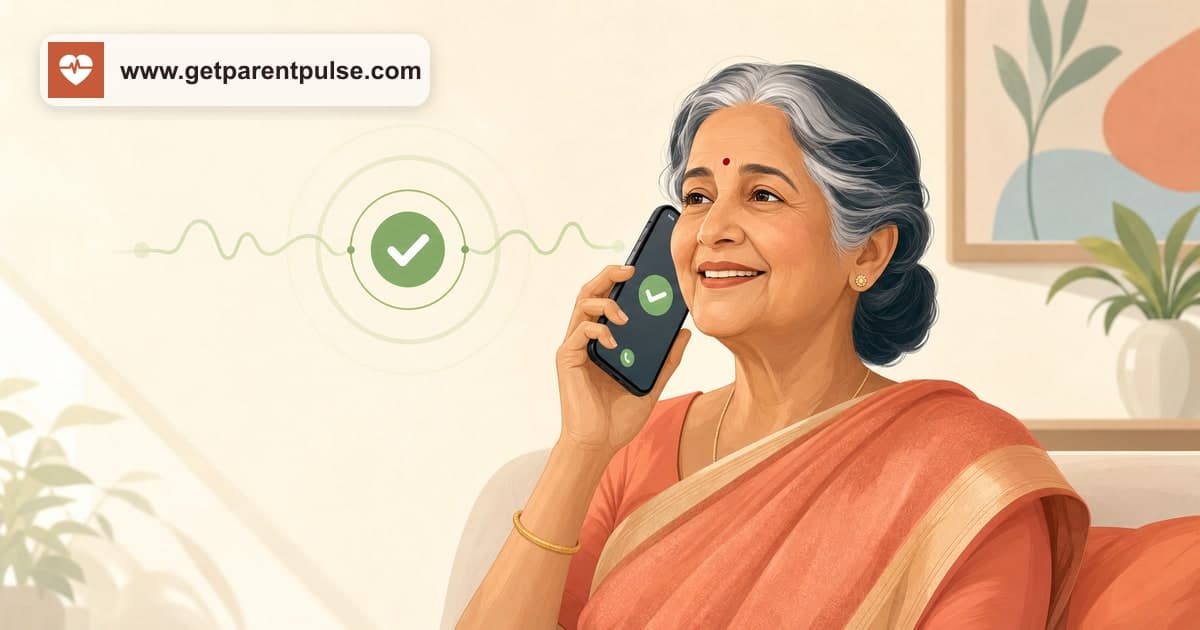
With an automated phone check-in, the process can be very simple. The senior receives a scheduled call. They answer the phone. They follow a simple instruction, such as pressing a number to confirm that they are okay. The successful check-in is recorded.
If the person does not respond, the service follows its configured missed check-in process. The goal is not to have a long conversation every day. The goal is to create a consistent signal that says: everything is okay today.
How Do Automated Daily Check-In Calls Work?
The exact process varies between services, but a typical daily check-in system may follow several steps.
Step 1: Choose a Check-In Time
The family chooses a time that fits naturally into the senior's normal routine. For example, a morning call might arrive after breakfast. An evening call might work better for someone who regularly spends mornings outside the home. The best time is usually one when the person is normally awake and available.
Step 2: The Senior Receives a Phone Call
At the scheduled time, the system calls the senior's phone. Unlike an app notification, the senior does not necessarily need to open an application, remember a password, or navigate a screen. They simply answer the phone.
Step 3: The Senior Confirms They Are Okay
The call provides a simple instruction. For example: "Press 1 if you are okay today." The senior responds using the phone keypad. That response completes the daily check-in.
Step 4: The Family Gets Reassurance
Once the check-in is successfully completed, the family knows that the expected daily interaction has taken place. Instead of wondering whether someone has spoken with the parent recently, there is a consistent daily routine.
Step 5: A Missed Check-In Starts the Follow-Up Process
If the senior does not answer or complete the check-in, the system may try again depending on how the service is configured. If the check-in remains incomplete, designated family members or trusted contacts may be alerted so someone can follow up.
A missed check-in does not automatically mean something is wrong. The person may simply be busy, outside, asleep, or unable to reach the phone. The purpose of an alert is to tell someone: this is different from the normal routine. It may be worth checking.
Who Can Benefit From Daily Check-In Calls?
Daily check-in calls can be useful in several situations.
Seniors Living Alone
Many older adults live independently and want to continue doing so. They may be healthy, active, and fully capable of managing their daily lives. Their families may still appreciate a simple way to know that the day has started normally. A daily phone check-in can provide that reassurance without requiring continuous monitoring.
Parents Whose Children Live Far Away
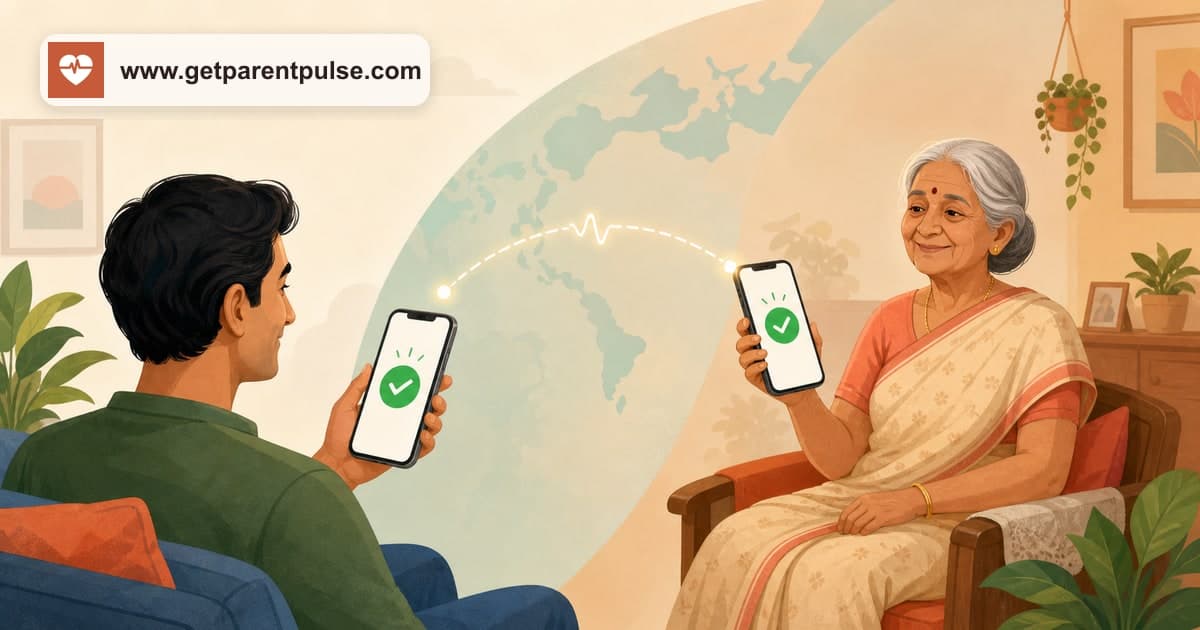
Adult children often move to different cities for work, education, marriage, or other opportunities. You may live in Bengaluru while your parents live in Chandigarh. You may live in Mumbai while they remain in Jaipur. Regular visits may not always be possible. A daily check-in call creates one small point of connection regardless of physical distance.
Parents of NRIs
Time zones can make daily calls difficult for families living internationally. When parents in India wake up, their children in North America may be asleep. When the children finish work, it may already be late at night in India. A scheduled check-in can happen according to the parent's normal routine rather than the adult child's schedule.
The family can still have personal conversations whenever convenient. The daily check-in simply provides reassurance in between.
Seniors Who Do Not Use Smartphones Comfortably
Many digital safety products require an app. For some seniors, that works perfectly well. For others, it creates an unnecessary barrier.
They may not own a smartphone. They may forget to check notifications. They may struggle with passwords or app updates. Or they may simply prefer using their phone as a phone. For these seniors, a call-based check-in can feel much more familiar.
Families Who Want a Consistent Routine
Sometimes the challenge is not distance. It is consistency. One child calls on Monday. Another calls on Wednesday. A neighbour visits occasionally. Everyone cares, but nobody is completely sure when the last check happened. A scheduled daily call creates a predictable routine that does not depend entirely on everyone's changing schedules.
Daily Check-In Calls vs. Regular Family Calls
Daily check-in calls should not replace personal conversations. They serve a different purpose. A check-in call answers: is today's routine normal? A family call asks: how was your day? Those are not the same thing.
Automating a basic safety check can actually make personal conversations feel more natural. You do not need to call every day simply because you feel responsible for confirming that your parent is okay. When you call, you can talk about life, grandchildren, a television show, family news, what your mother cooked, or what your father thinks about everything happening in the world.
Technology can handle a simple routine. Relationships should remain human.
Daily Phone Calls vs. Smartphone Apps
Both approaches can be useful. The right choice depends on the senior. Smartphone applications can offer advanced features and detailed information. For people who already use apps comfortably, they may be a good option.
Phone calls offer something different: familiarity. There may be nothing new to install. No new interface to learn. No notification to find. No app to remember to open. For an older adult who is already comfortable answering phone calls, the learning curve can be minimal.
The best safety technology is not necessarily the technology with the longest feature list. It is the technology people actually use.
Daily Check-In Calls vs. Wearable Devices
Wearable emergency devices and smartwatches can provide valuable features, particularly for people who need more active monitoring or emergency support. However, they also depend on the person wearing, charging, and correctly using the device.
Daily check-in calls solve a narrower problem. They create a predictable daily confirmation. For some families, phone calls may be enough. For others, check-in calls may work alongside wearables, professional care, or other safety measures. These tools do not necessarily need to compete. They can be different parts of the same support system.
What Should You Look for in a Senior Check-In Call Service?
Before choosing a service, consider how it fits your family's actual needs.
Simple Interaction
The senior should be able to complete the check-in easily. If the process is confusing, they may stop using it consistently.
Flexible Scheduling
The check-in should fit the person's normal daily routine rather than forcing them to reorganise their day around the service.
Missed Check-In Handling
Understand exactly what happens if the person does not answer. Does the system try again? How many times? When are family members notified? Knowing the process in advance helps families respond appropriately.
Multiple Trusted Contacts
If possible, consider involving more than one family member or trusted contact. This can be particularly important when the primary family contact lives in another country.
Emergency or SOS Support
A daily check-in and an emergency request are different needs. Families should understand whether SOS functionality is available, how it works, and who receives the alert. No automated system should be treated as a replacement for local emergency services when immediate assistance is required.
Ease of Use for the Family
A good system should also make it easy for family members to understand the status of check-ins and manage appropriate contacts.
How ParentPulse Daily Check-In Calls Work
ParentPulse is built around a simple idea: your parents should not need complicated technology just so you can know they are okay.
With ParentPulse, an aging parent receives a scheduled daily check-in call on their phone. They answer the call and follow a simple prompt to confirm that they are okay. For example, they may simply press 1. That's it.
No complicated app navigation. No new device to remember to wear. No daily message they need to type. When the check-in is successfully completed, the family gets reassurance that the expected routine has happened.
If the check-in is missed, ParentPulse follows the configured process so the appropriate family members or trusted contacts can be informed and follow up. The purpose is not constant monitoring. It is consistent reassurance.
What About SOS?
Daily check-ins are useful for confirming that a routine is normal. But emergencies do not always happen at check-in time. That is why SOS can be an important part of a broader senior safety plan.
ParentPulse is designed with SOS support as part of its safety approach, including making SOS available across plans. Families should understand exactly how any SOS feature works, who receives alerts, and what action should be taken afterward.
An SOS feature does not replace emergency services. It provides another way to signal that help may be needed.
A Realistic Example
Imagine Meera lives in Canada while her father lives independently in India. Her father is active and does not need a caregiver. He also has little interest in learning another smartphone application.
Every morning, he receives his scheduled ParentPulse call. He answers. He presses the requested number. His check-in is complete. Most days, nothing else needs to happen.
Later in the week, Meera calls him for their usual long conversation. They talk about family, food, weather, and everything else. The daily check-in does not replace that relationship. It simply answers one small question between those conversations: is Dad okay today?
Are Daily Check-In Calls Right for Every Senior?
No single safety solution is appropriate for everyone. Daily check-in calls may work well for independent older adults who can reliably answer and use a telephone.
Someone with significant medical needs, cognitive impairment, mobility limitations, or a high risk of emergencies may require more comprehensive support. That could include professional caregivers, medical monitoring, assisted living, or other specialised services.
Families should choose the level of support based on the person's actual needs. A daily check-in call is one tool. It should be part of an appropriate overall support system.
Frequently Asked Questions
What is a daily check-in call for seniors?+
A daily check-in call is a scheduled phone call that allows an older adult to confirm that they are okay. Depending on the service, a missed check-in may trigger additional call attempts or notifications to designated contacts.
Do seniors need a smartphone for automated check-in calls?+
Not necessarily. A phone-based service can allow seniors to complete their daily check-in simply by answering a call and responding using their phone keypad.
What happens if a senior does not answer a check-in call?+
The exact process depends on the service. There may be additional call attempts followed by an alert to designated family members or trusted contacts.
Can daily check-in calls help seniors living alone?+
They can provide an additional layer of reassurance by creating a consistent daily routine. However, they do not replace professional care, medical monitoring, or emergency services when those are required.
Are automated check-in calls better than family calls?+
They serve different purposes. Automated calls can provide consistency for a basic daily check-in, while personal family calls provide conversation and emotional connection. Many families may benefit from using both.
Can daily check-in calls help families living abroad?+
Yes. Scheduled calls can be particularly useful when parents and adult children live in different time zones because the check-in can happen according to the parent's schedule.
A Simple Call Can Provide Meaningful Reassurance
Caring for aging parents does not always require more technology. Sometimes, it requires simpler technology used consistently. One scheduled call. One easy response. One daily confirmation.
For an independent senior, it can become a small part of the everyday routine. For a son or daughter living far away, it can answer an important question: did they check in today?
ParentPulse makes daily check-in calls simple for seniors and their families, without requiring parents to learn complicated technology. Because staying connected should not depend on distance, smartphones, or matching schedules.
Give your family the reassurance of a simple daily check-in with ParentPulse.
A little reassurance, every day
Know they’re okay—without another reminder on your list.
ParentPulse makes a daily check-in as easy as answering a call, giving a missed call, or tapping one WhatsApp button.
Join the waitlist →