In this guide (13 sections)+
Living away from your parents can create a particular kind of worry. You know they are independent. They have their routines, neighbours, friends, and familiar surroundings. Most days, everything is perfectly normal.
But you still find yourself wondering: Did Mom wake up feeling okay today? Has Dad answered his phone? Would someone know quickly if they needed help?
Whether you live in another city or on the other side of the world, finding reliable ways to check on elderly parents remotely can make caring from a distance easier for everyone. Technology can help, but it does not have to mean cameras in every room or complicated devices your parents do not want to use.
The most effective approach is usually a combination of simple daily check-ins, family communication, trusted people nearby, and a clear plan for unexpected situations. Here are practical ways to build that support system.
1. Create a Simple Daily Check-In Routine
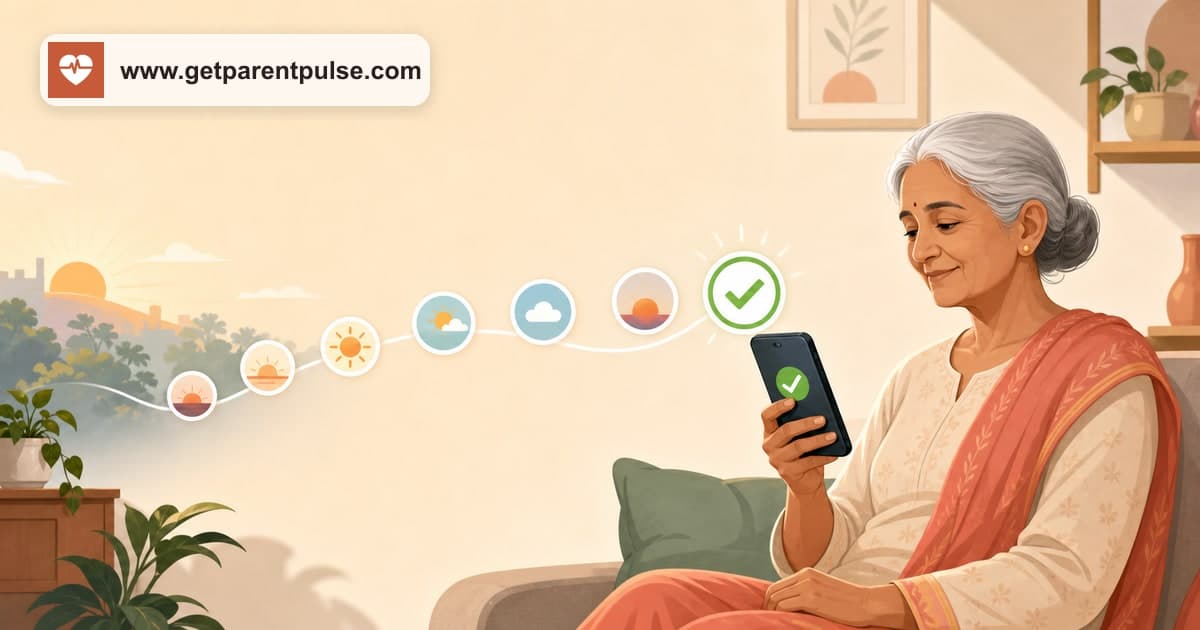
One of the easiest ways to check on elderly parents remotely is to establish a predictable daily routine. The check-in does not need to be a long conversation.
- A quick morning phone call
- A simple text message
- A message in a family group
- An automated daily check-in call
- A response through a senior safety service
The important part is consistency. When your parent normally checks in every morning, a missed check-in becomes noticeable. Without a routine, family members may not realise that nobody has spoken to a parent for a day or two.
A daily check-in creates a simple baseline: everything is normal unless the usual pattern changes.
2. Separate Safety Check-Ins From Family Conversations
Many families rely entirely on phone calls to know whether their parents are okay. Regular calls are important, but they can become difficult when they are expected to serve two different purposes.
The first purpose is connection. You want to talk about family, grandchildren, everyday life, and what is happening at home. The second purpose is reassurance. You simply want to know that your parent is okay.
Separating these two can reduce pressure. A simple daily check-in can handle the basic reassurance. Your personal calls can then remain what they should be: genuine conversations with the people you love.
Instead of calling because you feel you have to confirm that everything is okay, you can call because you want to talk.
3. Build a Local Support Circle
Technology is useful, but when you live far away, having trusted people near your parents is extremely valuable. Think about who could be part of their local support circle.
- A sibling
- Another relative
- A trusted neighbour
- A close family friend
- A building security guard
- A regular household helper
- A caregiver, when appropriate
You do not need to make all of these people responsible for your parent's daily life. Instead, identify one or two trusted contacts who could physically check on your parent if you cannot reach them.
Make sure these people have your contact information. You should also have theirs. If your mother misses a check-in and does not answer several calls, knowing exactly whom to contact locally can save valuable time and reduce uncertainty.
4. Create a Clear Missed Check-In Plan
One of the most useful things families can do is decide what happens before a parent becomes unreachable. Without a plan, a missed call can quickly become stressful.
You call once. No answer. You call again. Still nothing. Then you start wondering whether to wait, call a neighbour, contact another relative, or do something more urgent. A predefined escalation plan can make the response clearer.
- Step 1: Call the parent again after an appropriate interval.
- Step 2: Try an alternative phone number if available.
- Step 3: Contact another family member.
- Step 4: Ask a trusted nearby person to check on them.
- Step 5: If there is a genuine reason to believe they are in immediate danger, contact the appropriate local emergency services.
The exact plan should reflect your parent's health, independence, location, and personal circumstances. The important thing is that everyone knows what to do.
5. Choose Technology Your Parents Will Actually Use
There are many technologies designed to help families monitor or support older adults remotely.
- Smartphone applications
- Smartwatches
- Wearable emergency buttons
- Motion sensors
- Video cameras
- GPS devices
- Medication reminders
- Automated phone calls
But the most advanced technology is not automatically the best solution. The right question is: will my parent actually use it every day?
A smartwatch that remains uncharged is not useful. An app that your parent finds confusing will eventually be ignored. A complicated emergency device that they cannot remember how to operate may provide false reassurance.
Start with your parent's existing habits. If they comfortably use a smartphone, an app-based solution may work well. If they prefer a regular phone, a phone-based check-in system may be much easier. Safety technology should adapt to the parent whenever possible, not the other way around.
6. Use Phone-Based Check-Ins for Parents Who Avoid Apps
Not every elderly parent wants another application. Some may not own a smartphone at all. Others may own one but use it almost entirely for phone calls. For these families, automated phone check-ins can offer a simpler alternative.
A parent receives a scheduled call. They answer. They confirm that they are okay. The family receives reassurance that the expected check-in has been completed.
This approach can be particularly useful for adult children living abroad because it does not depend on matching time zones for a daily safety call. Your parent can check in during their normal morning. You can see that everything is okay when your own day begins.
7. Keep Important Information Organised
When you live far away, you may need to coordinate help remotely. Keep essential information organised and accessible to the appropriate family members.
- Important family contacts
- Trusted neighbours
- Regular doctors
- Preferred hospital
- Household helpers
- Building or community contacts
- Emergency contacts
Sensitive personal and medical information should always be stored securely and shared only with appropriate people. The goal is not to collect unnecessary information. It is to avoid searching through old messages for a critical phone number when you are already worried.
8. Share Responsibility Between Family Members
In many families, one person becomes the default person responsible for checking on aging parents. This can become difficult over time, especially when that person also has work, children, and other responsibilities.
If you have siblings or other close relatives, discuss how responsibilities can be shared. One person might manage healthcare appointments. Another might handle household issues. Another might be the primary emergency contact.
A daily check-in system can also help create shared visibility so everyone does not need to call separately just to confirm that a parent is okay. Caring from a distance works better when it becomes a family system rather than one person's permanent responsibility.
9. Respect Your Parents' Independence
There is an important difference between staying connected and constantly monitoring someone. Older adults may resist safety technology if they feel it takes away their privacy or independence.
Before introducing a new system, explain why you are considering it. Instead of saying, "We need to monitor you because you are getting older," the conversation might be, "Because I live far away, I worry when I cannot reach you. Could we create a simple daily check-in so I know everything is okay?"
The goal should be to find a solution that both the parent and family are comfortable using. For some families, this may involve technology. For others, it may simply mean a daily call and a trusted neighbour. The right system is the one that works for the people involved.
10. Prepare for Time-Zone Differences
For families living internationally, time zones can make remote caregiving particularly challenging. Your parents may be starting their morning in India while you are going to sleep in Canada. They may be having dinner while you are beginning your workday in the United States. Trying to coordinate a daily safety call can become difficult.
One approach is to establish two separate routines. First, create a simple check-in that happens according to your parent's schedule. Second, schedule personal conversations at times that work for both of you.
This allows the basic daily reassurance to happen even when you are unavailable. Your relationship does not need to operate according to an automated schedule. But a safety routine can.
How ParentPulse Helps Families Check on Elderly Parents Remotely
ParentPulse is designed for a common situation: your parents live independently, but you cannot be there every day. Instead of requiring your parent to download an app or learn complicated technology, ParentPulse uses scheduled phone check-ins.
Your parent receives a call on their phone and confirms that they are okay using a simple response. When the check-in is successfully completed, you have reassurance that the day's routine is normal. If a check-in is missed, the configured alert process can help notify the appropriate family members or trusted contacts so someone can follow up.
ParentPulse is not designed to replace family conversations, professional caregivers, healthcare providers, local support networks, or emergency services. It provides one simple additional layer: a consistent daily check-in.
For families separated by cities, countries, or time zones, sometimes that simple confirmation is exactly what they need.
A Practical Remote Care Setup
Imagine Rahul lives in Toronto while his parents live in Delhi. Every morning, his parents complete their scheduled phone check-in. A trusted neighbour has Rahul's contact details. Rahul and his sister both know whom to contact locally if they cannot reach their parents.
Important contact information is organised securely. The family has already discussed what should happen after a missed check-in. Rahul still video-calls his parents several times a week. The technology does not replace their relationship. It simply fills some of the gaps created by distance.
This is the key to effective remote support. Do not rely on one solution. Build a small network.
Frequently Asked Questions
How can I check on my elderly parents when I live far away?+
Create a combination of regular communication, a consistent daily check-in routine, trusted local contacts, and a clear plan for missed check-ins or emergencies. Technology such as automated calls or safety applications can provide additional support when appropriate.
How can I monitor elderly parents without invading their privacy?+
Consider less intrusive solutions such as daily check-ins rather than continuous monitoring. Discuss any technology with your parents and choose an approach they are comfortable using.
What technology is best for elderly parents living alone?+
The best technology depends on the person's needs and comfort level. Some seniors use smartphone apps and wearables comfortably, while others may benefit from simpler phone-based systems.
What should I do if my elderly parent suddenly stops answering the phone?+
Try contacting them again and through any available alternative method. Follow your family's established plan, which might include contacting a nearby relative, neighbour, or trusted person. If there is a genuine reason to believe they are in immediate danger, contact the appropriate local emergency services.
How can NRIs take care of elderly parents in India?+
A practical support network may include regular family communication, trusted local contacts, appropriate healthcare support, professional caregivers when needed, and a consistent daily check-in system. Having a clear escalation plan is particularly important when living in another country.
Distance Changes How You Care, Not How Much You Care
You may not be able to knock on your parents' door every morning. You may not be able to drive over when they do not immediately answer the phone. But distance does not mean you have to live with constant uncertainty.
Create a routine. Build a trusted local network. Choose technology your parents will actually use. Make a plan before something goes wrong. And keep having the conversations that technology can never replace.
ParentPulse helps families add a simple daily phone check-in to that support system, helping you stay connected with aging parents even when life takes you far from home. Because sometimes the most reassuring message is also the simplest: they're okay today.
A little reassurance, every day
Know they’re okay—without another reminder on your list.
ParentPulse makes a daily check-in as easy as answering a call, giving a missed call, or tapping one WhatsApp button.
Join the waitlist →